
Have you ever wondered where your files go when you back up your phone, or how you can use apps like Microsoft 365 or Google Drive without downloading massive software files to your computer?
The answer is Cloud Computing.
Instead of buying expensive hardware, installing heavy software, or running local office servers, cloud computing allows you to access computing services—like servers, storage, databases, networking, and software—over the Internet. You usually only pay for what you actually use.
In this guide, we will break down the fundamental concepts of cloud computing using simple terms, clear analogies, and practical examples.
1. The Cloud Service Models (The "Cloud Stack")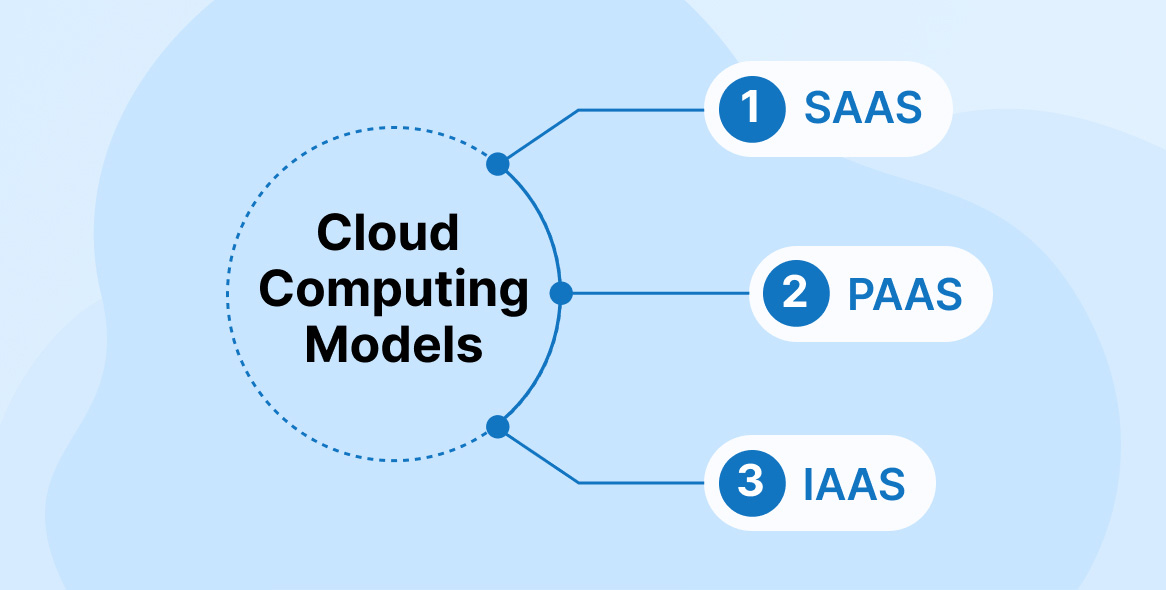
Cloud computing services are generally stacked on top of one another. This is often called a tiered architecture or a cloud computing stack. As you move up the stack from IaaS to SaaS, the cloud provider handles more of the technical work, leaving less for you to manage.
🔹 Infrastructure as a Service (IaaS)
- What it is: The provider rents you the raw, fundamental building blocks of computing. This includes virtual servers, physical data storage, and network infrastructure. Because it deals directly with the infrastructure, it is also known as Hardware as a Service (HaaS).
- The Analogy: Think of IaaS like renting an empty plot of land. The provider gives you the space, but you have to build the entire house (operating systems, applications, and databases) yourself.
- Key Advantages: * Eliminates huge upfront capital expenses for hardware.
- You pay on a per-use basis (by the hour, week, or month).
- The cloud provider handles physical maintenance and security of the data centers.
- Popular Providers: Amazon Web Services (AWS), IBM, Open stack, Rackspace, and VMware.
🔹 Platform as a Service (PaaS)
- What it is: PaaS takes it a step further by providing a complete cloud environment designed specifically for developers. The provider manages the hardware, operating systems, and servers so developers can focus entirely on building and deploying software.
- The Analogy: This is like renting an unfurnished apartment. The structure, plumbing, and wiring are taken care of; you just bring your own furniture (your application code).
- Key Advantages: * Simplifies the entire software development lifecycle (building, testing, deploying, and updating).
- Reduces coding complexity.
- Accessible from anywhere via a web browser.
- Popular Providers: Google App Engine, AWS Elastic Beanstalk, Windows Azure, and Salesforce.
🔹 Software as a Service (SaaS)
- What it is: This is a comprehensive software solution that you rent from a provider on a pay-as-you-go basis. The software is fully hosted in the cloud, and you simply log in and use it directly through your web browser without downloading or installing anything.
- The Analogy: This is like staying in a fully furnished hotel room. Everything is set up and ready for you; you just turn the key and enjoy your stay.
- Key Advantages: * Quick setup with zero local installation or device maintenance.
- The provider automatically handles bugs, maintenance, and software updates.
- Data is accessible securely from any device with an internet connection.
- Popular Providers: Microsoft Office 365, Salesforce.com, Dropbox, and Cloud9 Analytics.
🔹 Anything as a Service (XaaS)
- What it is: Nowadays, cloud providers offer almost anything as a service. XaaS is a broad term that represents a compilation of IaaS, PaaS, SaaS, and other niche cloud services bundled together to give businesses all the advantages of cloud technology under one roof.
2. Different Types of Cloud Environments
Not all clouds are the same. Depending on security needs, budget, and business scale, infrastructure can be deployed in four basic environments:
| Cloud Type | What It Means | Best Used For |
|---|---|---|
| Public Cloud | Services are hosted over the public internet and are available to anyone. Virtualization allows multiple users to share space on the same physical hardware securely. | Small businesses, general users, and startups looking for low-cost, on-demand resources. |
| Private Cloud | The cloud infrastructure is completely dedicated to one single customer or organization. The hardware is yours alone. | Large corporations, banks, or government agencies needing maximum security and strict data privacy. |
| Hybrid Cloud | A customized environment that connects public and private clouds together. You can keep sensitive data private while using public cloud power for daily tasks. | Companies that want to balance strict data regulations with operational flexibility. |
| Multicloud | An approach where an organization uses multiple different public cloud platforms at the same time to fulfill different needs. | Businesses that want to avoid being dependent on a single vendor. |
3. Deep Dive: Examples of Industry Leaders
To better understand how these look in the real world, let's examine two of the most popular cloud platforms used globally today:
A. Dropbox (SaaS)
Dropbox is one of the most widely recognized cloud storage and file hosting services.
- Core Functions: It allows you to save, sync, and access files smoothly across multiple devices (phones, laptops, tablets).
- Key Feature: Instead of sending massive, heavy email attachments, it allows users to simply share a link to files or folders.
- Pricing Model: It offers a flexible freemium model, providing a free basic plan (usually 2 GB of storage) that can be upgraded via subscription up to terabytes (TB) of space.
B. Amazon Web Services / AWS (IaaS & PaaS)
Founded in 2002, AWS is a subsidiary of Amazon and stands as the world's most popular and comprehensive cloud service platform, serving millions of active customers.
- Massive Scale: AWS features over 165 fully featured services running out of global data centers.
- Key Offerings: It provides highly reliable virtual computing power (Elastic Compute Cloud / EC2), data storage (Simple Storage Service / S3), data transfer tools, notification setups, and relational databases.
Whether you are a developer looking to build the next big app (PaaS), a business owner looking to scale your infrastructure without buying physical hardware (IaaS), or a regular user trying to access files on the go (SaaS), cloud computing has changed the way we interact with technology. It brings flexibility, reduces cost, and makes powerful tech tools accessible to everyone at a low cost.